
Please take a look at the video above to ensure that you are prepared for your upcoming workshop!
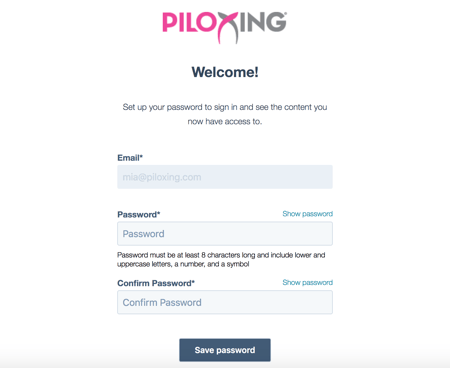
Please give our systems a day to send out your invitation to "create a password" e-mail. Note: if you cannot locate, please check your spam/junk folder as it sometimes end up there. If you have not received this e-mail within 24hours, please send an e-mail to info@piloxing.com so that we can help troubleshoot!


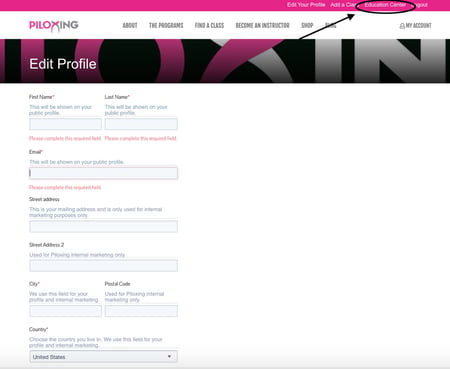
Once you have logged in, you will see the pink toolbar on the top of our website. This is where you will access your individual account. Click on "Edit Profile" to ensure that your information is correct!

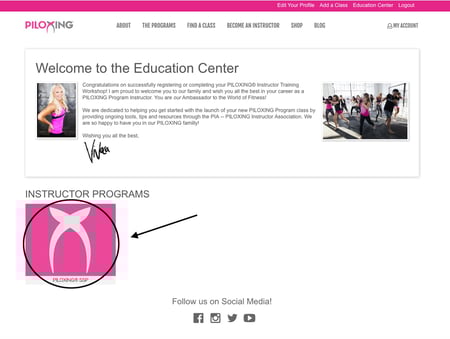
Then click on 'Education Center' to access your Workshop Materials.
Once you have clicked on your specific program's tab, go to "Training Day Prep" to learn what you should prepare before the workshop day!

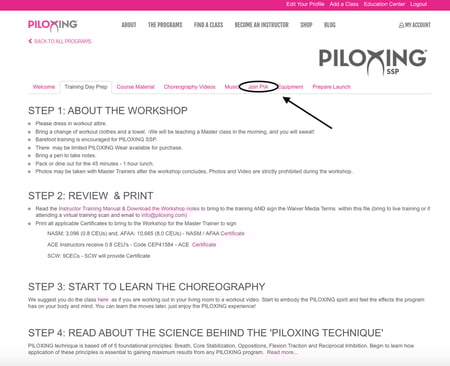
Also do not forget to read up about PIA (Piloxing Instructor Association) before your training!

WE need to hear and see and YOU. YOU need to hear and see US
Make sure you have enough space to move around! You will be moving like in a normal Piloxing class!
You will need a barre, or a tool to use as a barre during the training day. Ideal height is between 36-42 inches, and must be sturdy.
Make sure you have access to reliable WIFI service
48 hours before training you will receive an e-mail with a link to your Workshop Zoom.com meeting!